Home Automation
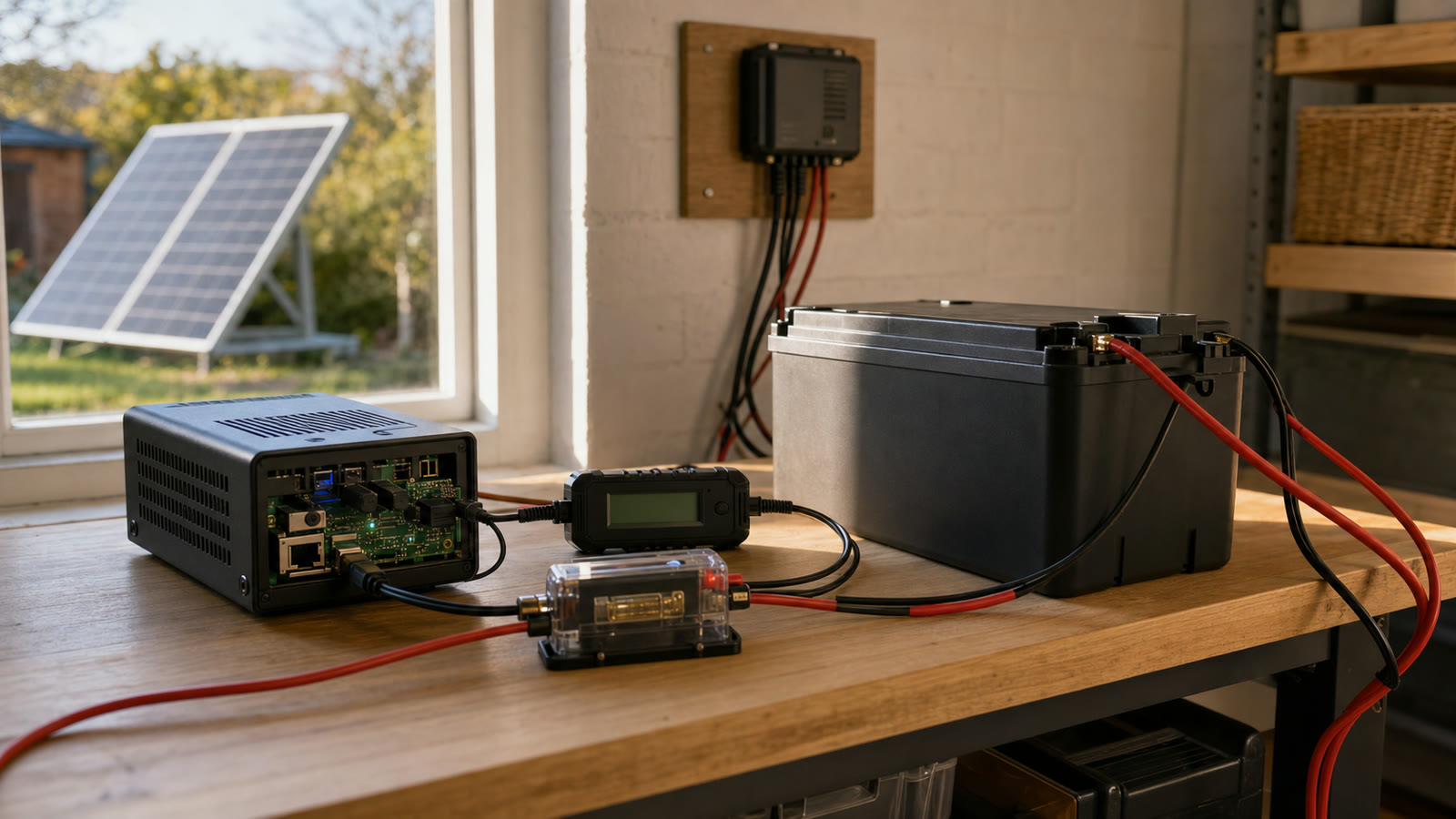
Solar-Powered Home Assistant on Banana Pi: Panel, Battery and 24/7 Power Sizing
Measure the real load, then size a solar panel and battery for overnight runtime, winter recovery and reliable Home Assistant operation.
Practical guides for Linux boards, OpenWrt networks and the projects you maintain.
Measure the real load, then size a solar panel and battery for overnight runtime, winter recovery and reliable Home Assistant operation.
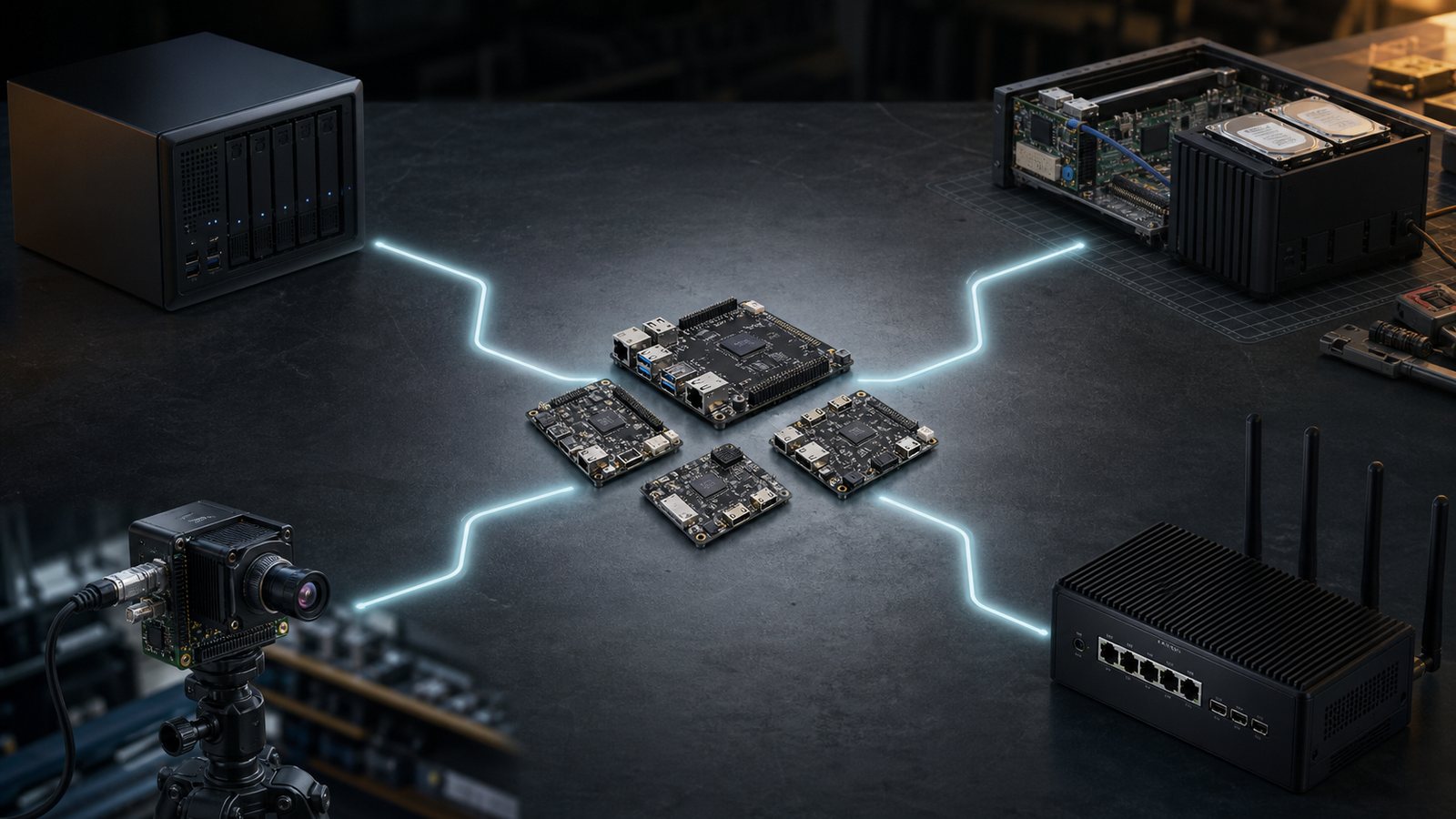
Start with the project, then choose the Banana Pi whose interfaces and software match it.
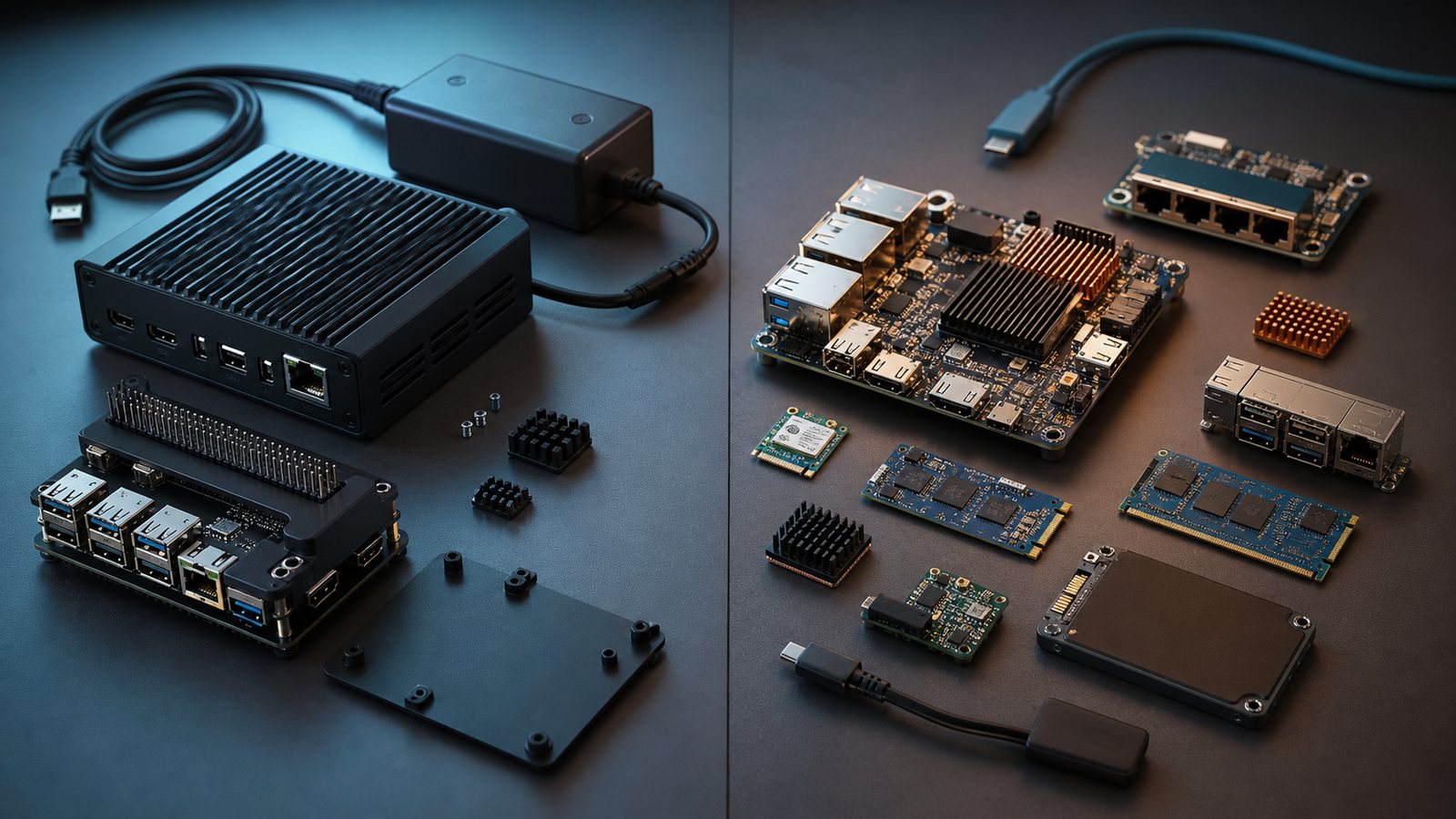
Raspberry Pi wins consistency while Banana Pi often wins specialised interfaces.
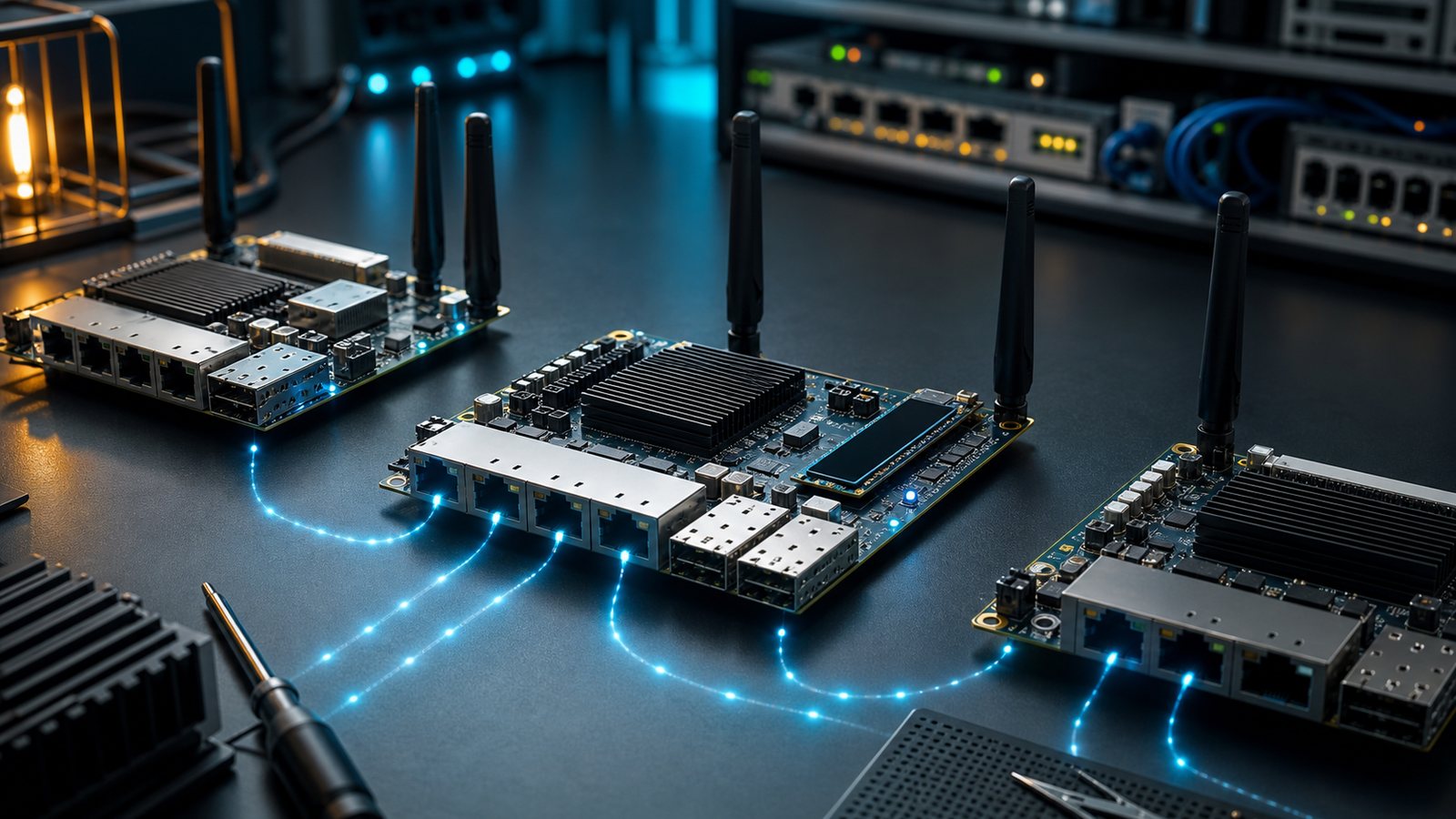
Compare exact OpenWrt device variants, documented firmware paths, independent WAN/LAN ports and complete-build constraints. Prices and unreviewed measurements remain unknown.
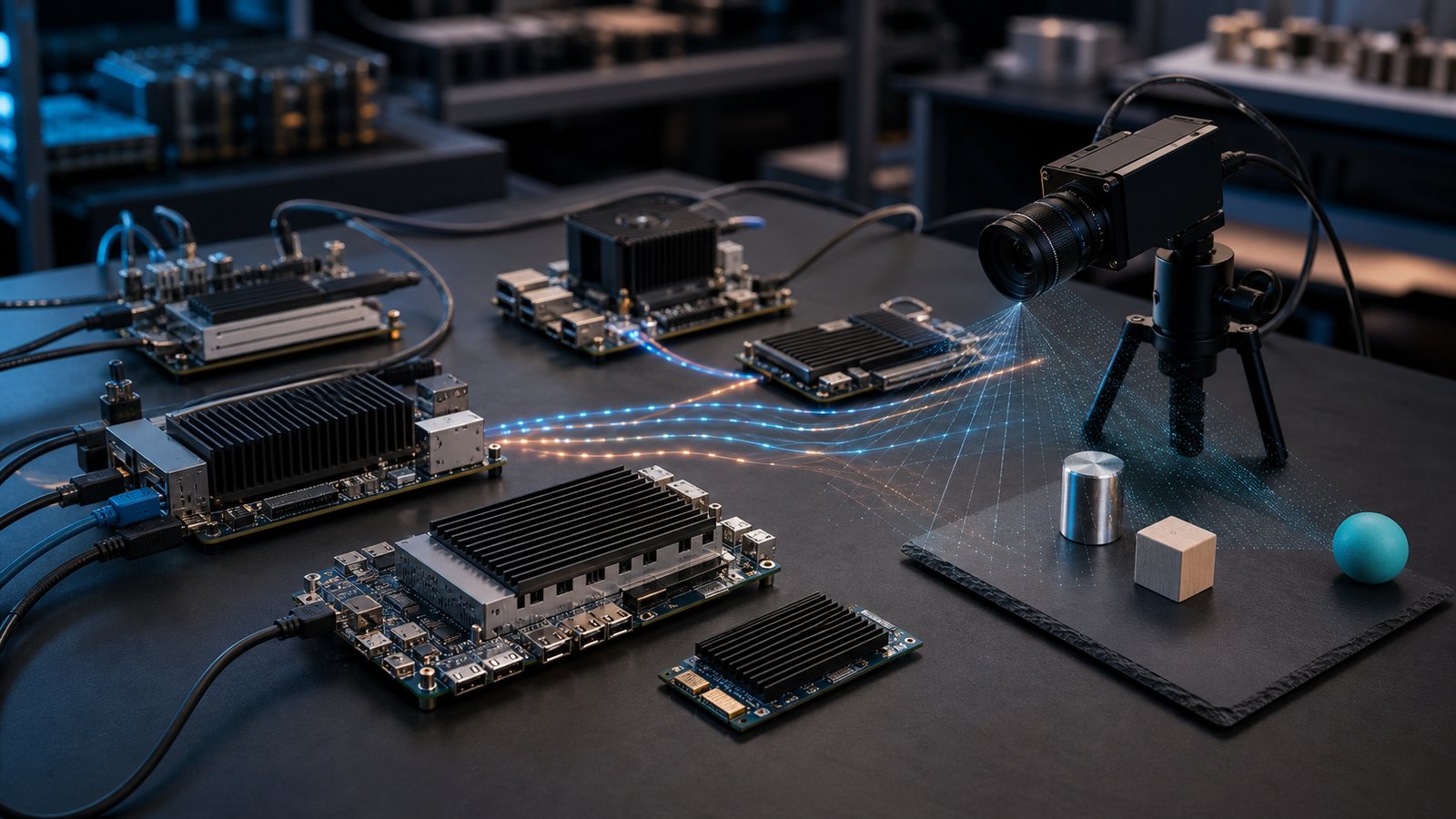
AI accelerator figures mean little without a toolchain that supports your model.
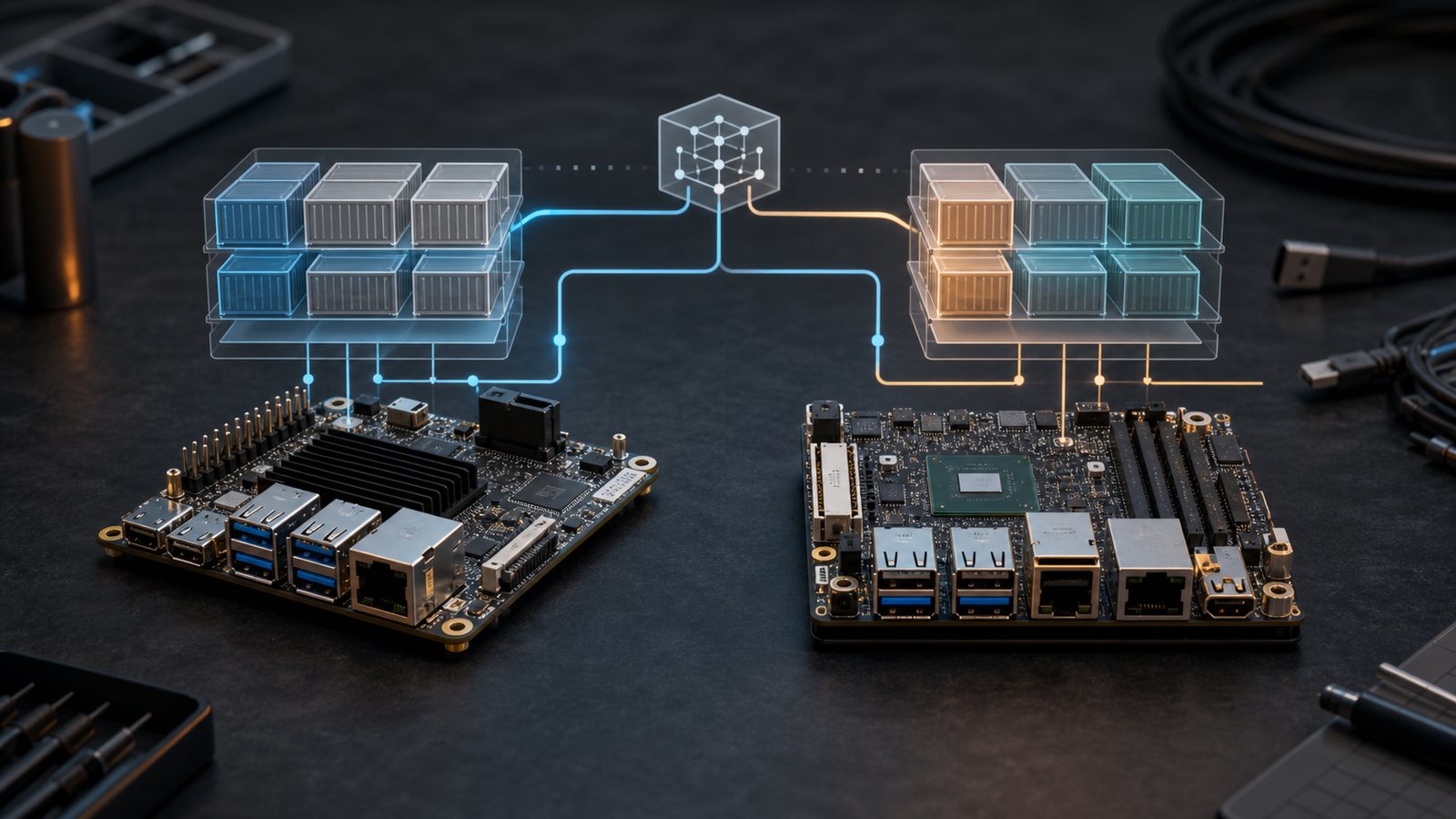
Container compatibility can matter more than core count when choosing a Docker SBC.
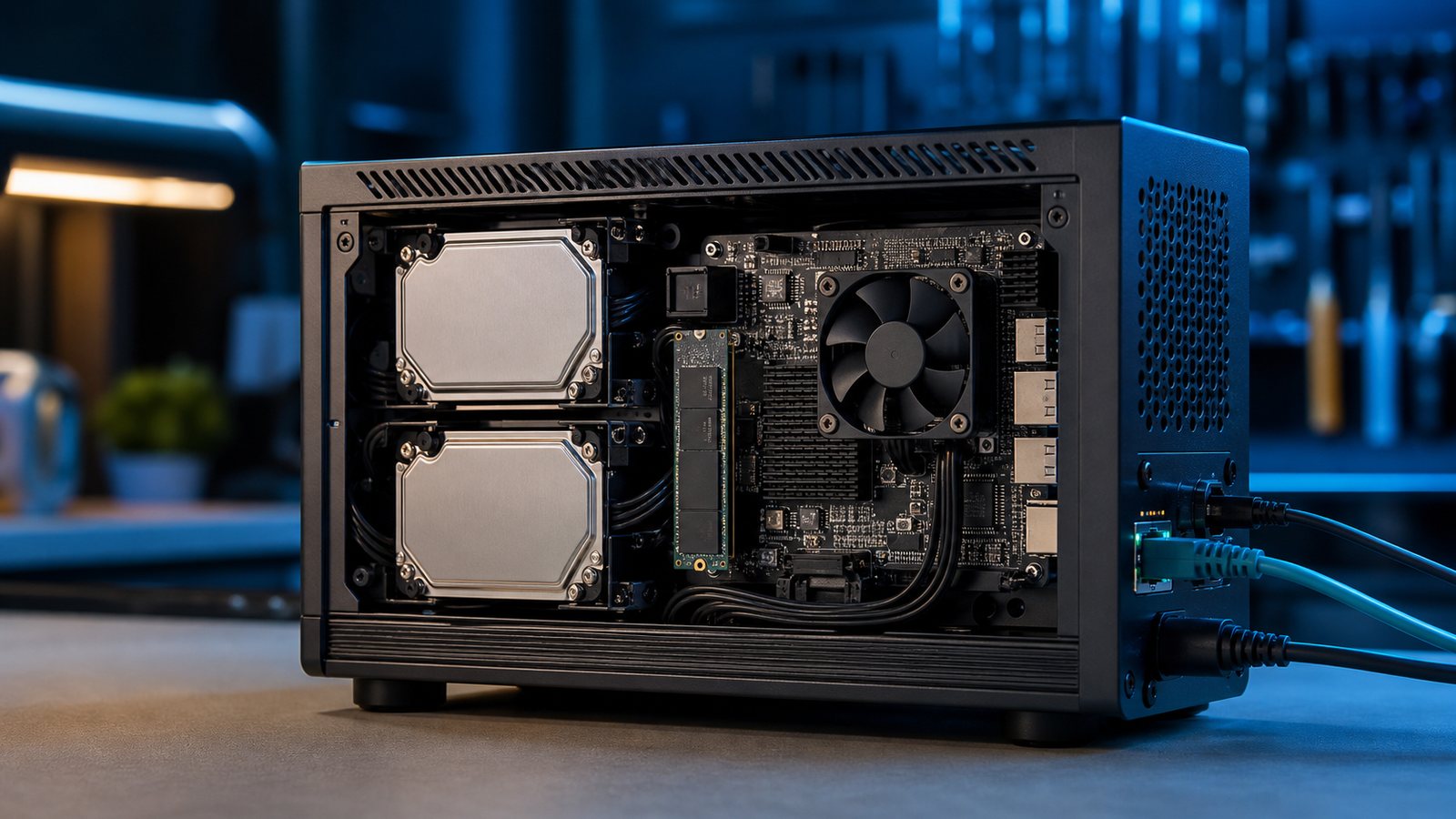
A good SBC NAS starts with drive connectivity and power, not CPU benchmarks.
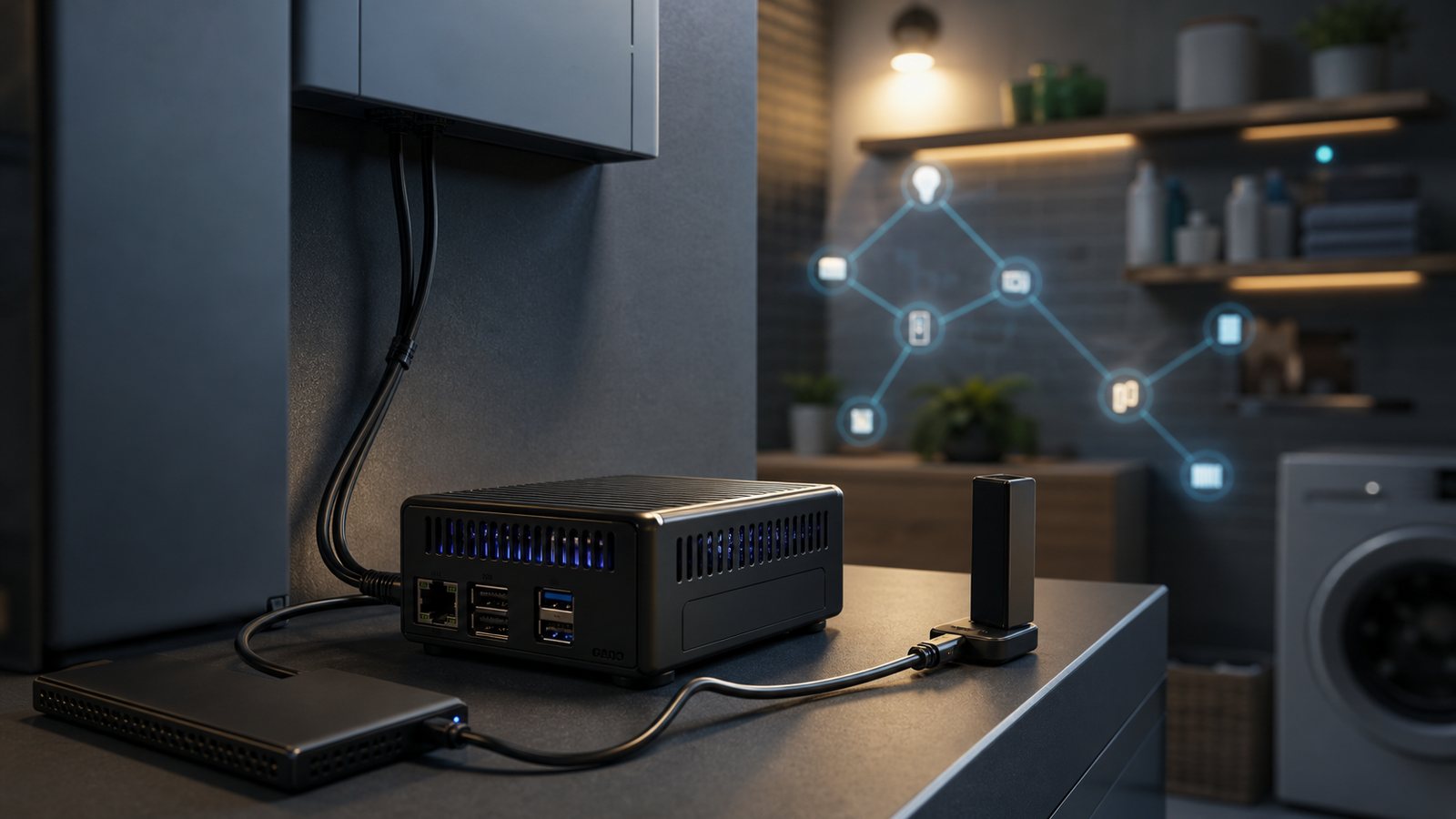
For Home Assistant, predictable storage and supported installation paths beat spare CPU cores.
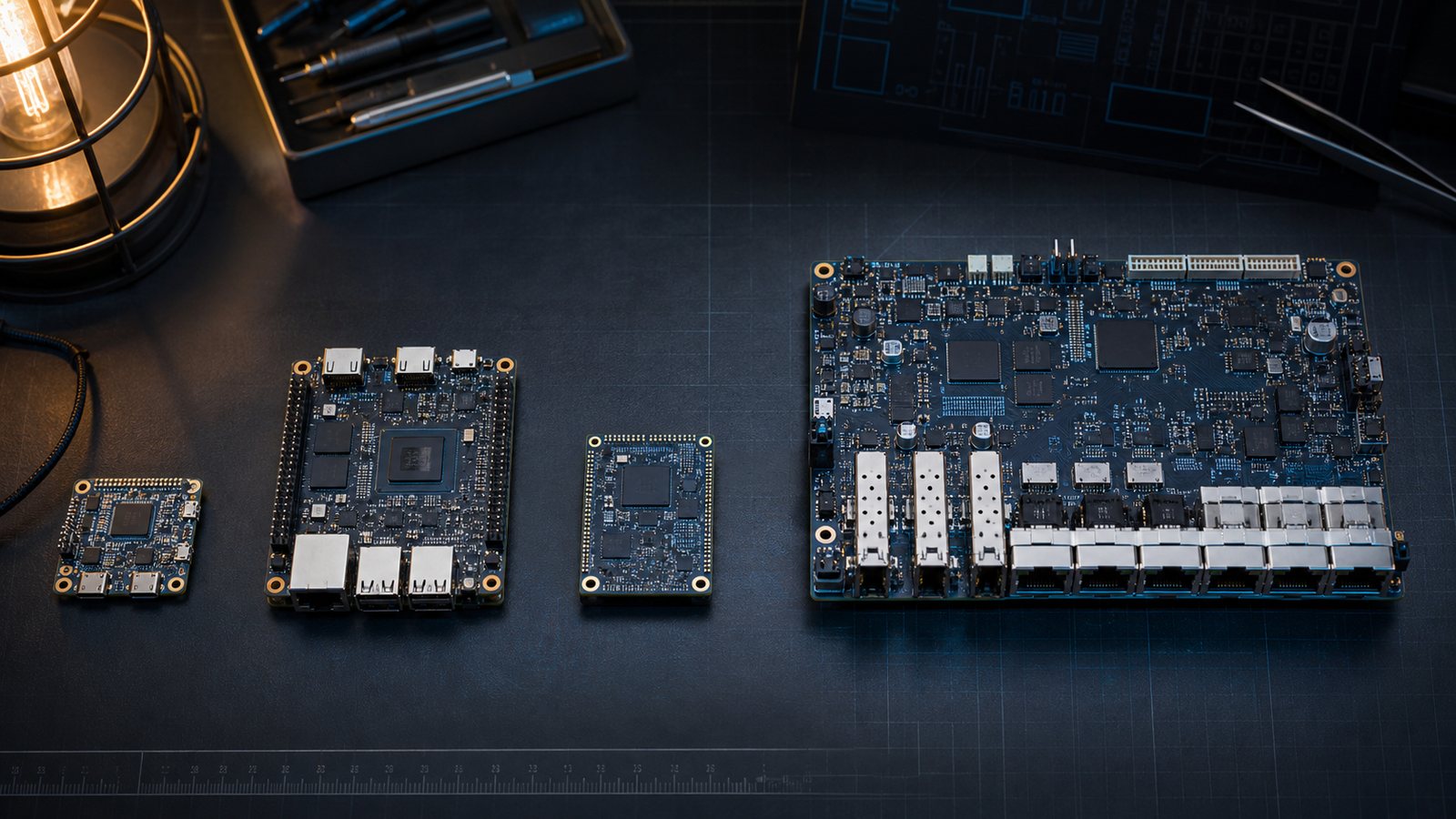
Pick a Banana Pi by project and software image support, not model number.
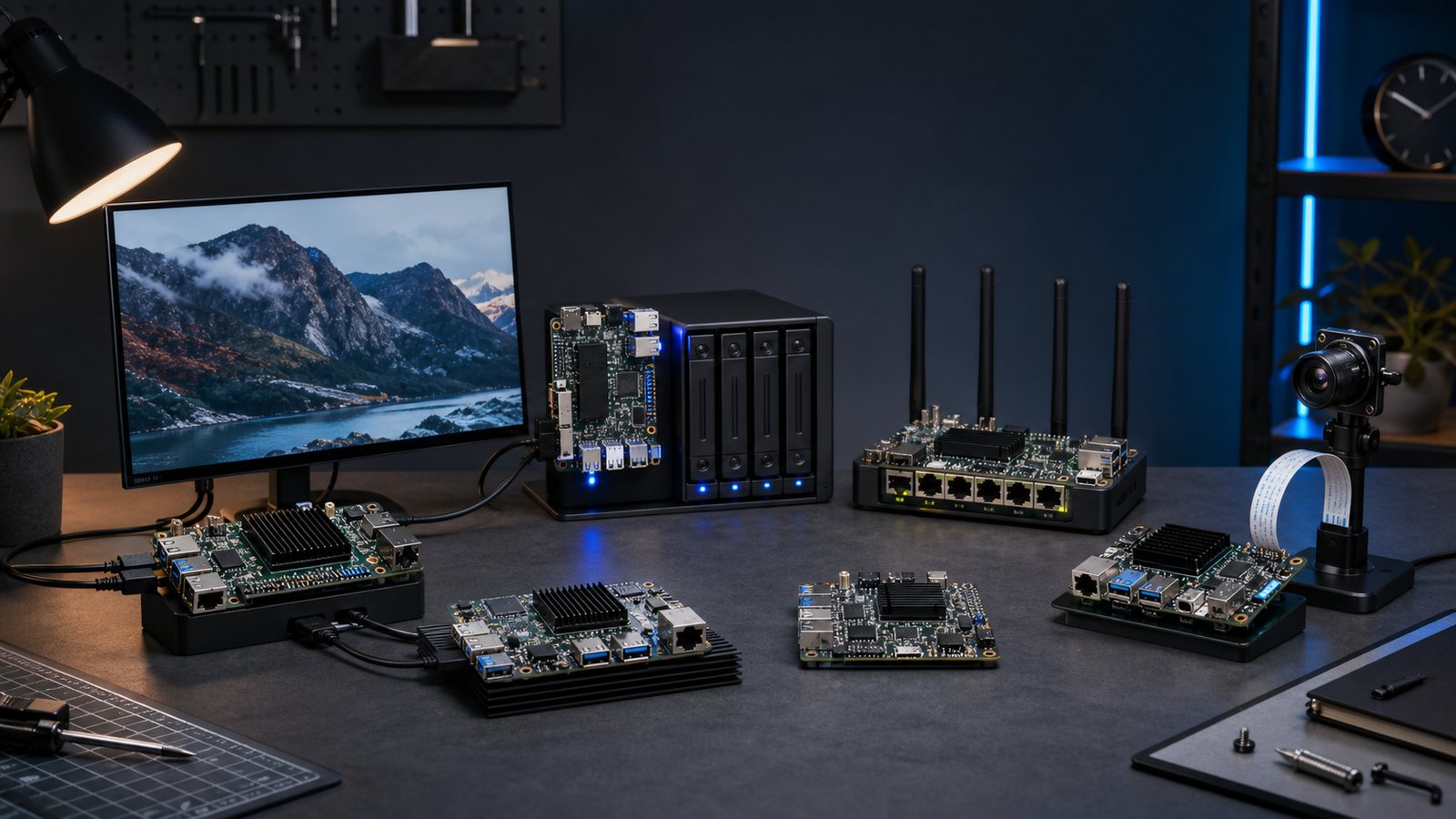
The best SBC depends on the software and interfaces your project actually needs.
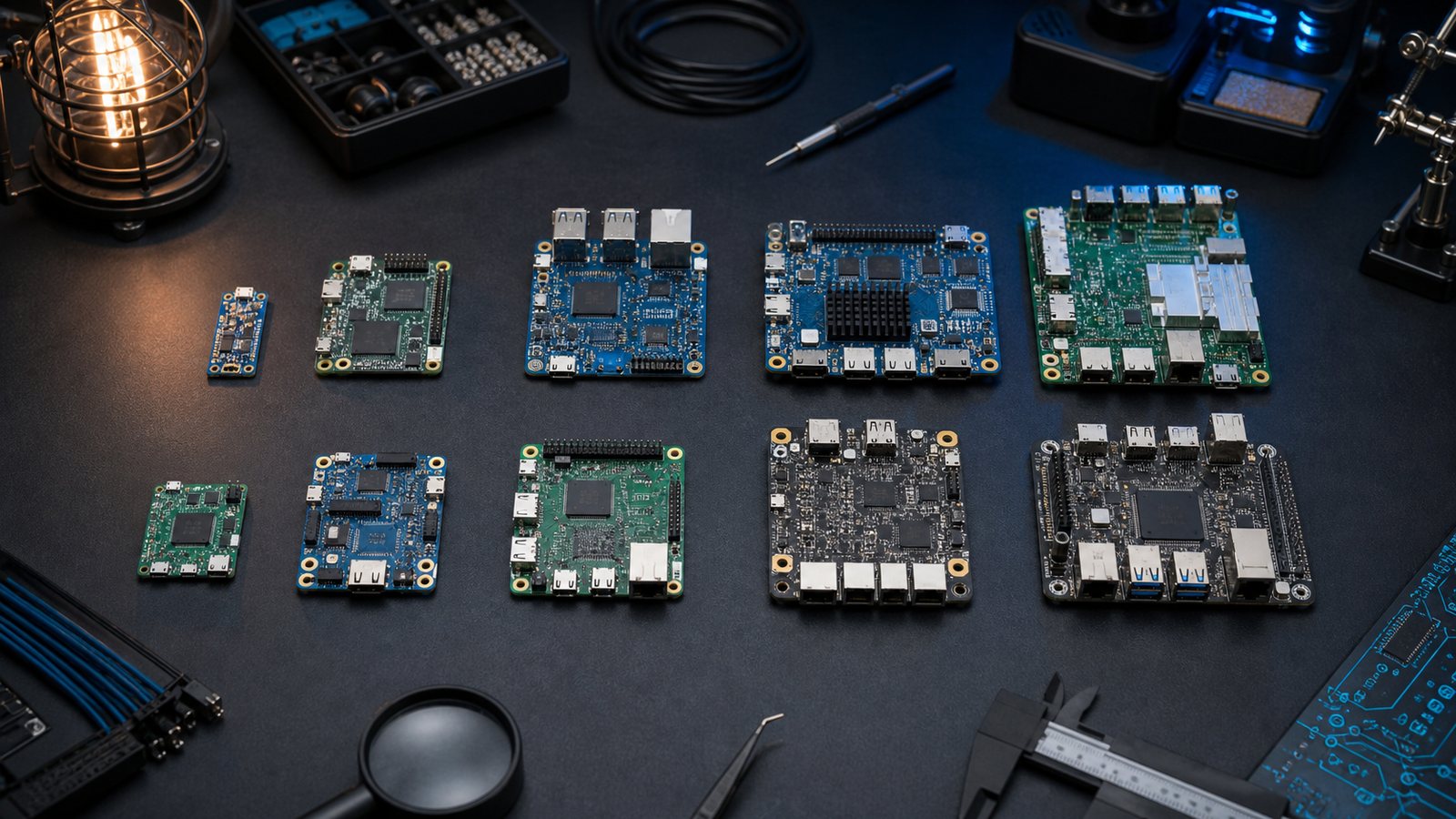
Choose a Raspberry Pi alternative by workload, not headline specifications.
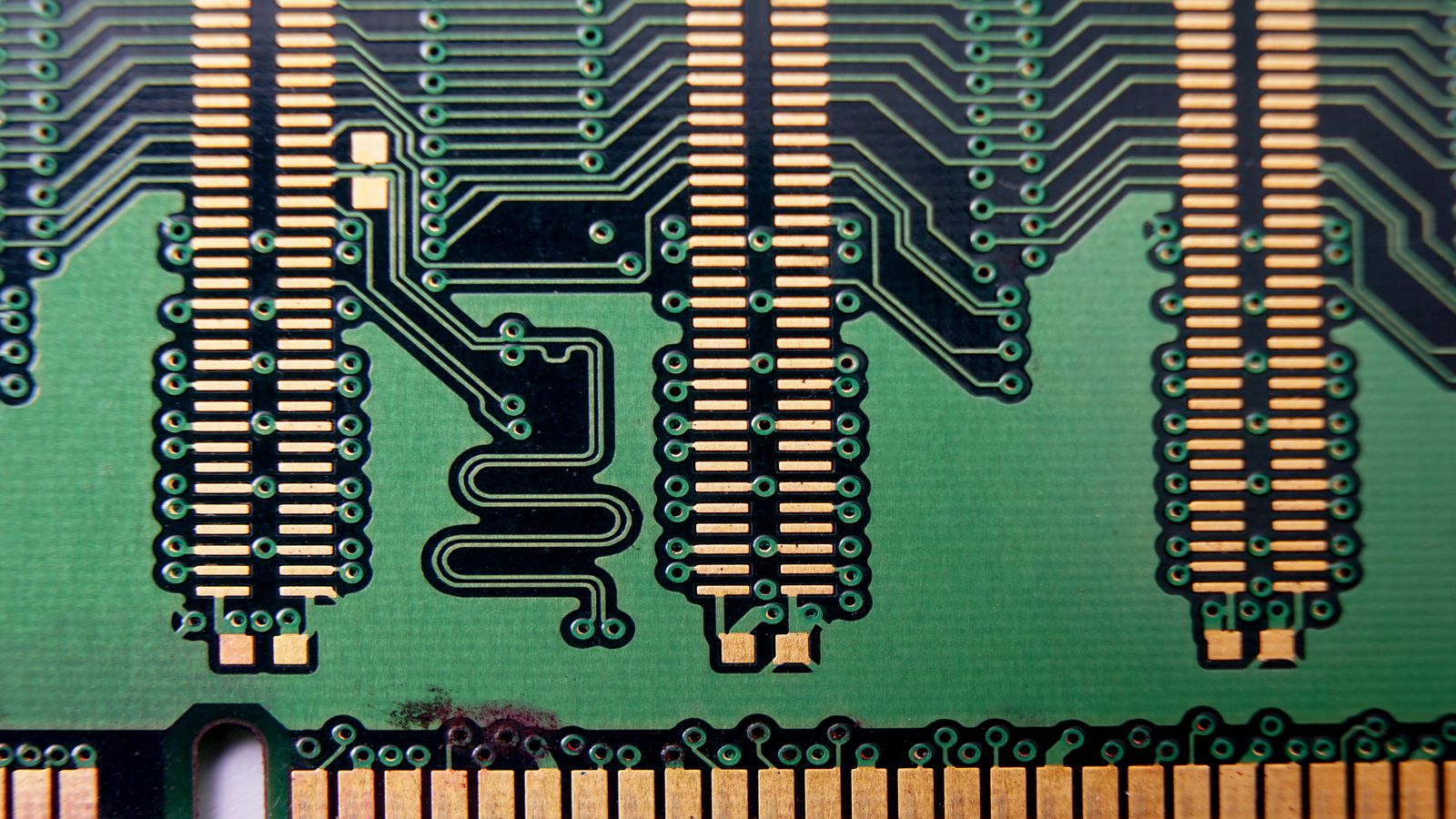
Install modern Linux on HiKey 960 in 2026. Navigate community images, update UEFI firmware safely, avoid known brick scenarios, and recover via serial console.
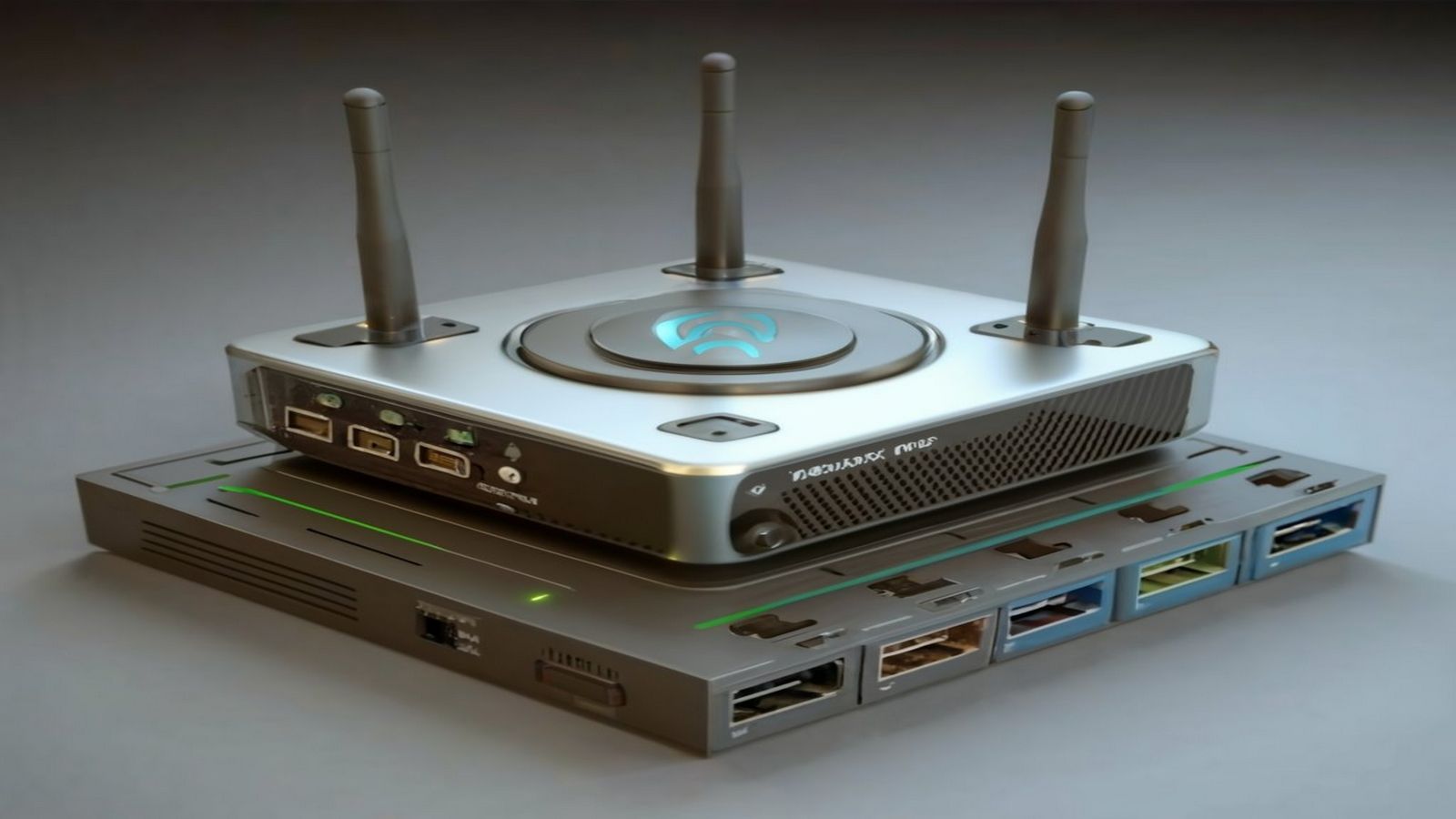
Compare BPI-R4 Pro, BPI-R4, and OpenWrt One for 2.5G/10G routing, NVMe, and Wi-Fi expansion. Find the right platform for your 2026 network build.

Plan reproducible WireGuard tests with exact physical topology and raw records. Earlier untraceable measurements are withdrawn; no verified router throughput is claimed.
Configure the optimal BPI-R4 boot chain: NAND bootloader, NVMe root, SD fallback. Set up A/B partitions for safer upgrades and brick recovery.
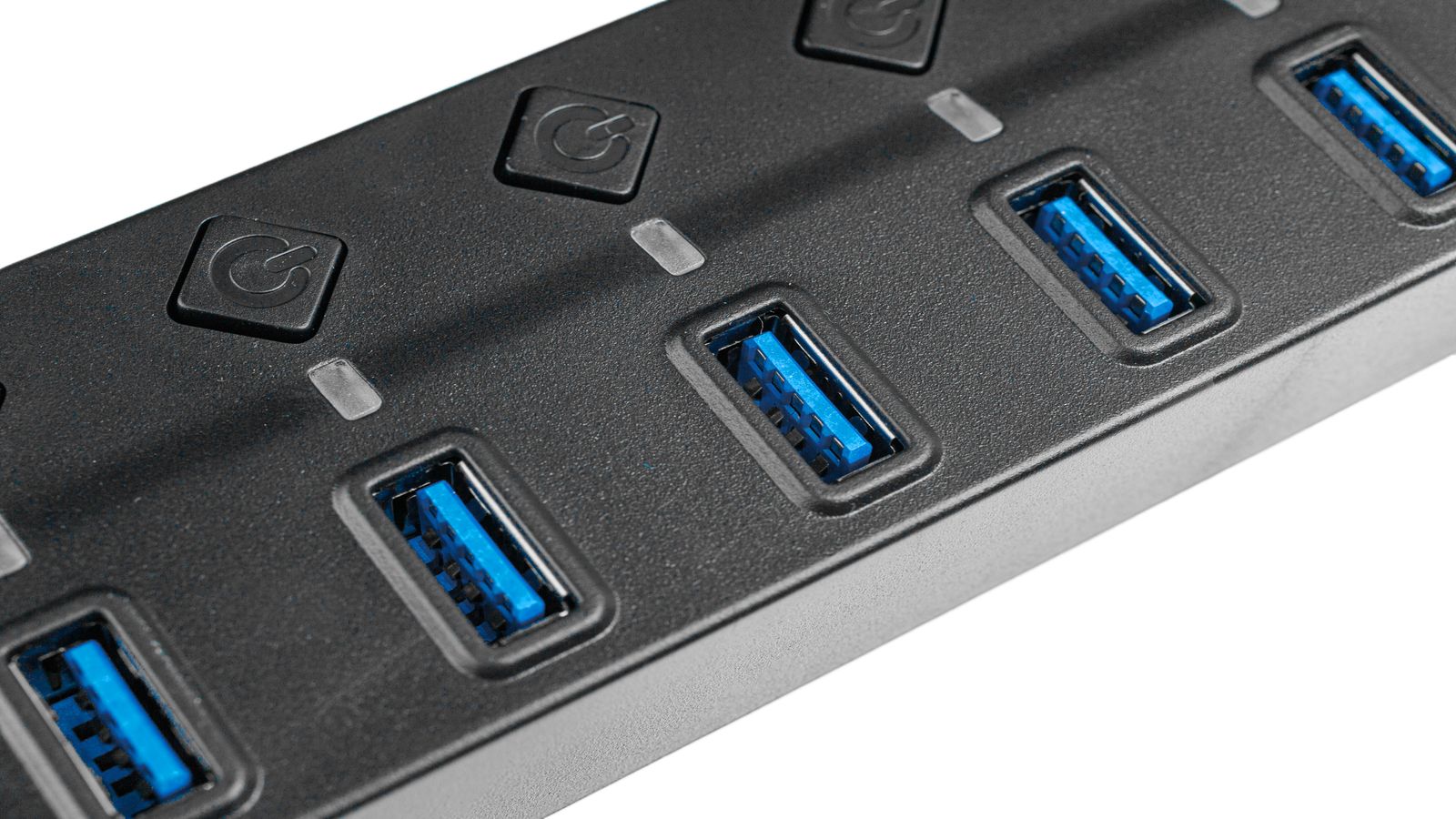
Set up BPI-R4 with OpenWrt, NVMe storage, and 10GbE SFP+. Covers flashing, NVMe detection, SFP compatibility, and validating real throughput.
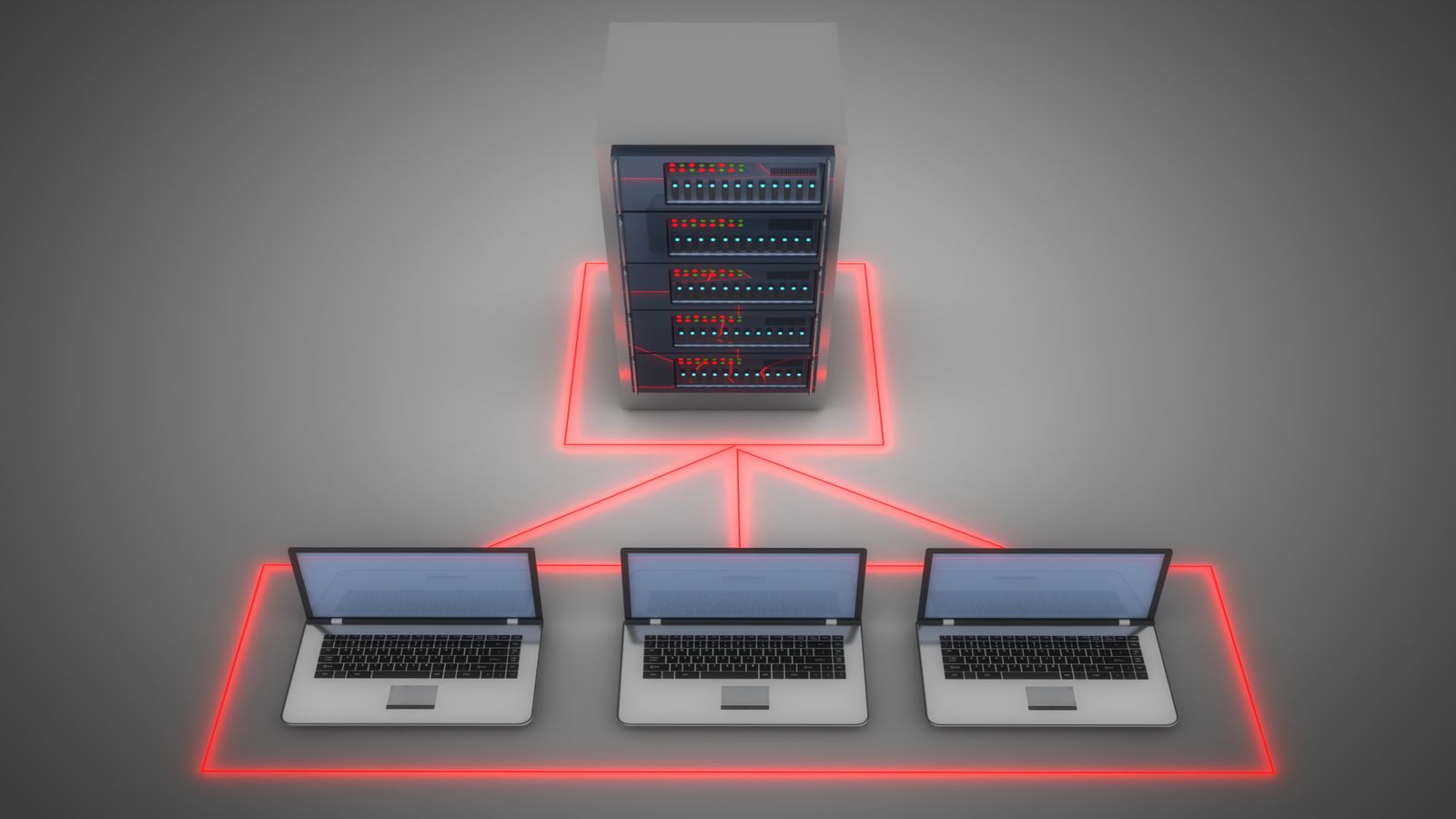
OpenWrt or full Debian/Ubuntu on your router SBC? Compare performance, packages, firewall management, and updates to pick the right approach for your use case.
Set up OpenWrt One from scratch: flash firmware, configure VLANs, enable WireGuard, add DNS privacy, and learn the recovery workflows before you need them.
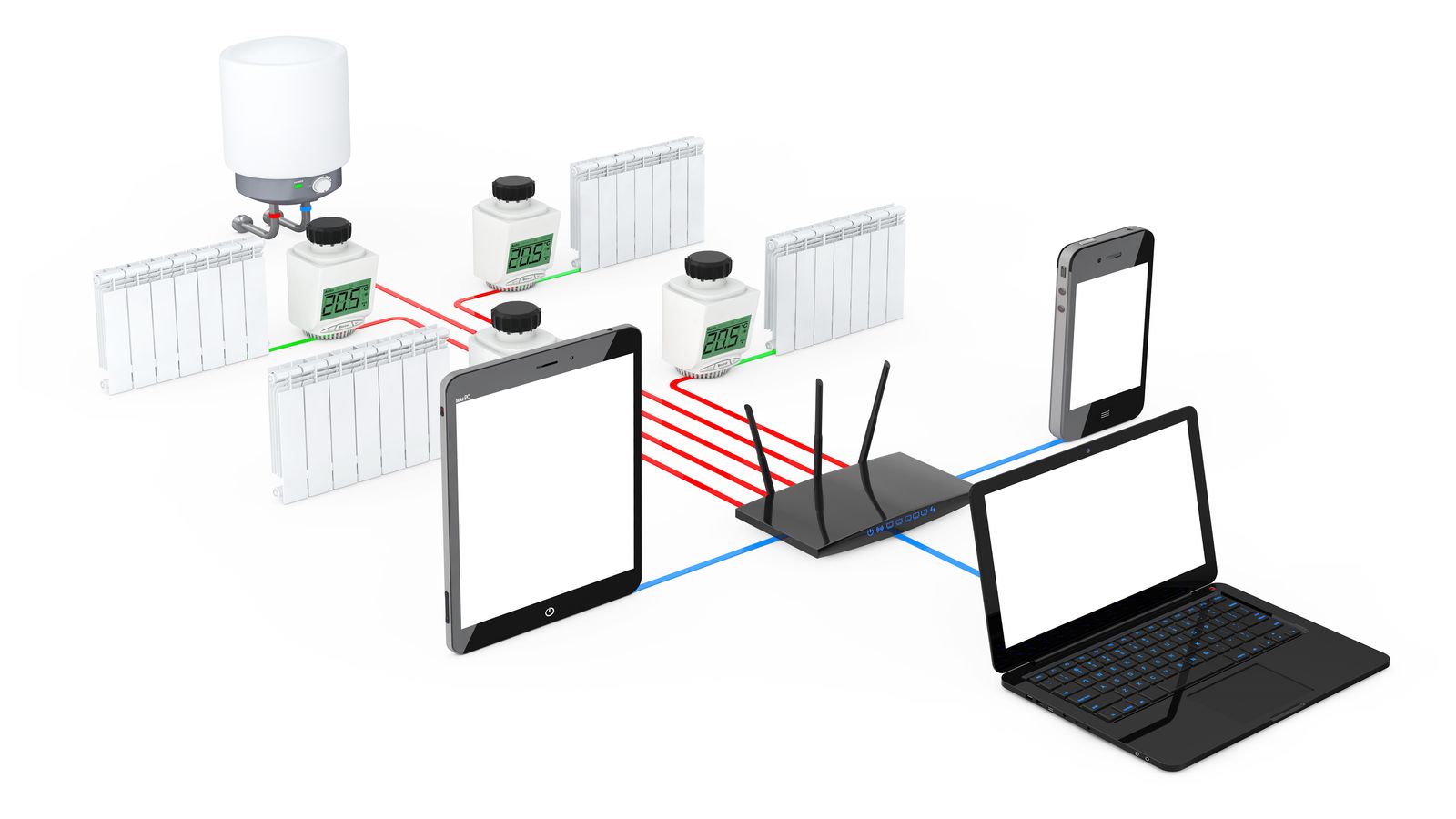
Segment your home network with VLANs on OpenWrt. Isolate guest and IoT devices, configure firewall zones, integrate VPN, and set up DNS privacy.

Build a WireGuard site-to-site VPN on Banana Pi. Covers key generation, wg0 configuration, MTU tuning for A20, throughput testing, and persistent routing.

Harden your SBC for internet exposure. Set up SSH keys, UFW firewall, fail2ban, automatic security updates, and ongoing monitoring to keep attackers out.

Verify SBC images with checksums and GPG signatures. Flash safely. Understand why intermittent boot failures almost always mean bad media, not a bad image.
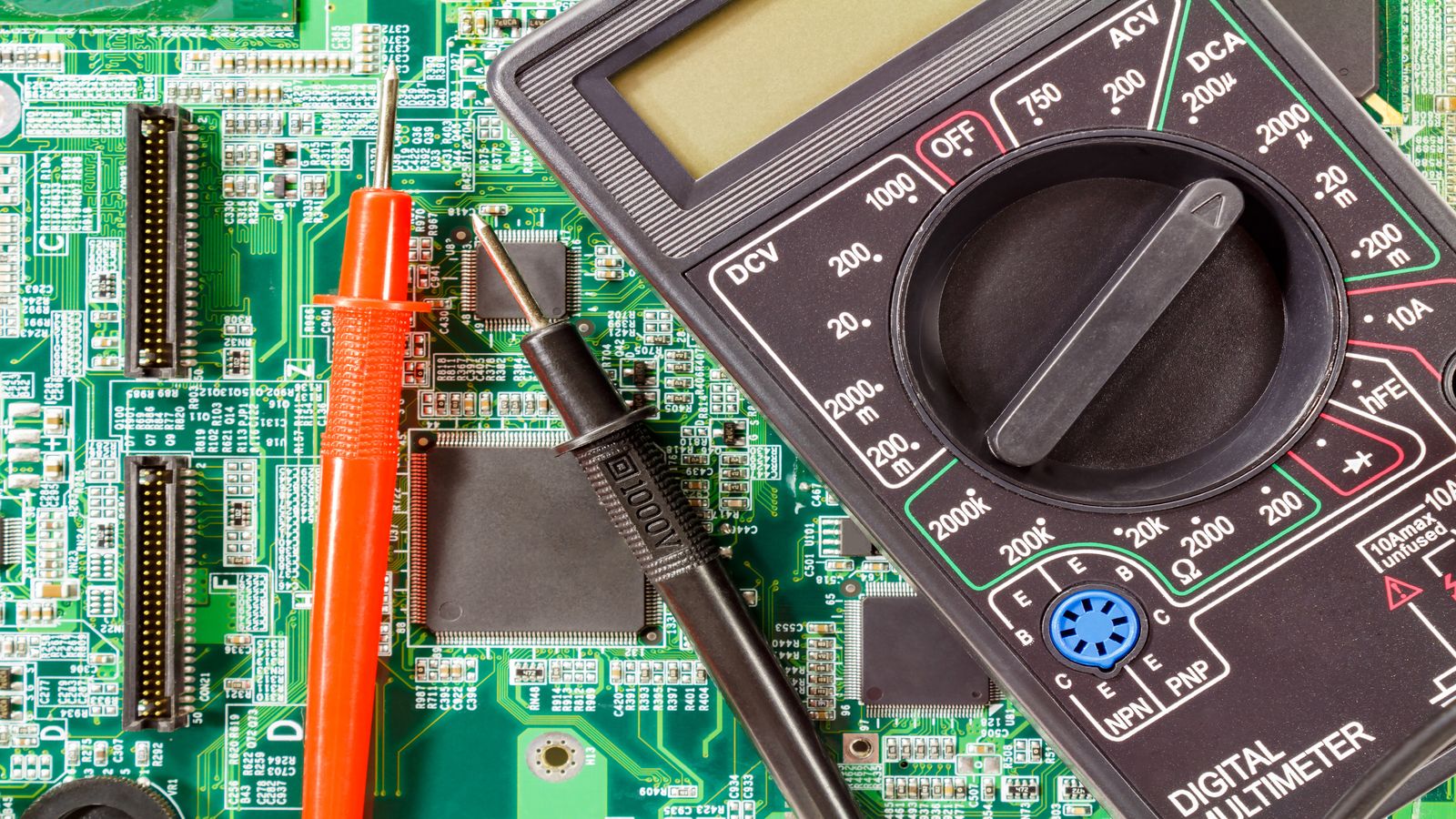
Systematic checklist for random ARM SBC crashes. Check power, storage, thermals, and kernel logs. Find the actual cause instead of reflashing blindly.

Compare ext4 and F2FS for SBC root filesystems. Understand power-loss behaviour, flash performance differences, and when it makes sense to switch.

Extend microSD life on always-on SBCs. Select endurance cards, reduce writes with tmpfs and log rotation, and detect impending card failure before you lose data.
Move your Banana Pi root filesystem from SD to SATA. Keep SD for boot, use SATA for rootfs. Covers partitioning, fstab, boot config, and rollback if it fails.
Compare Linux kernel LTS branches 6.18, 6.12, and 6.6 for SBCs. Learn which kernel to run on your Banana Pi or ARM board for the right balance of stability and features.
Choose the right Armbian image for Banana Pi Pro in 2026. Understand community support tiers, flash safely, and know your options when the build breaks.
Run Ubuntu 26.04 LTS on Banana Pi-class ARM boards. Know what breaks, how to recover from kernel panics and driver regressions, and which workarounds actually work.
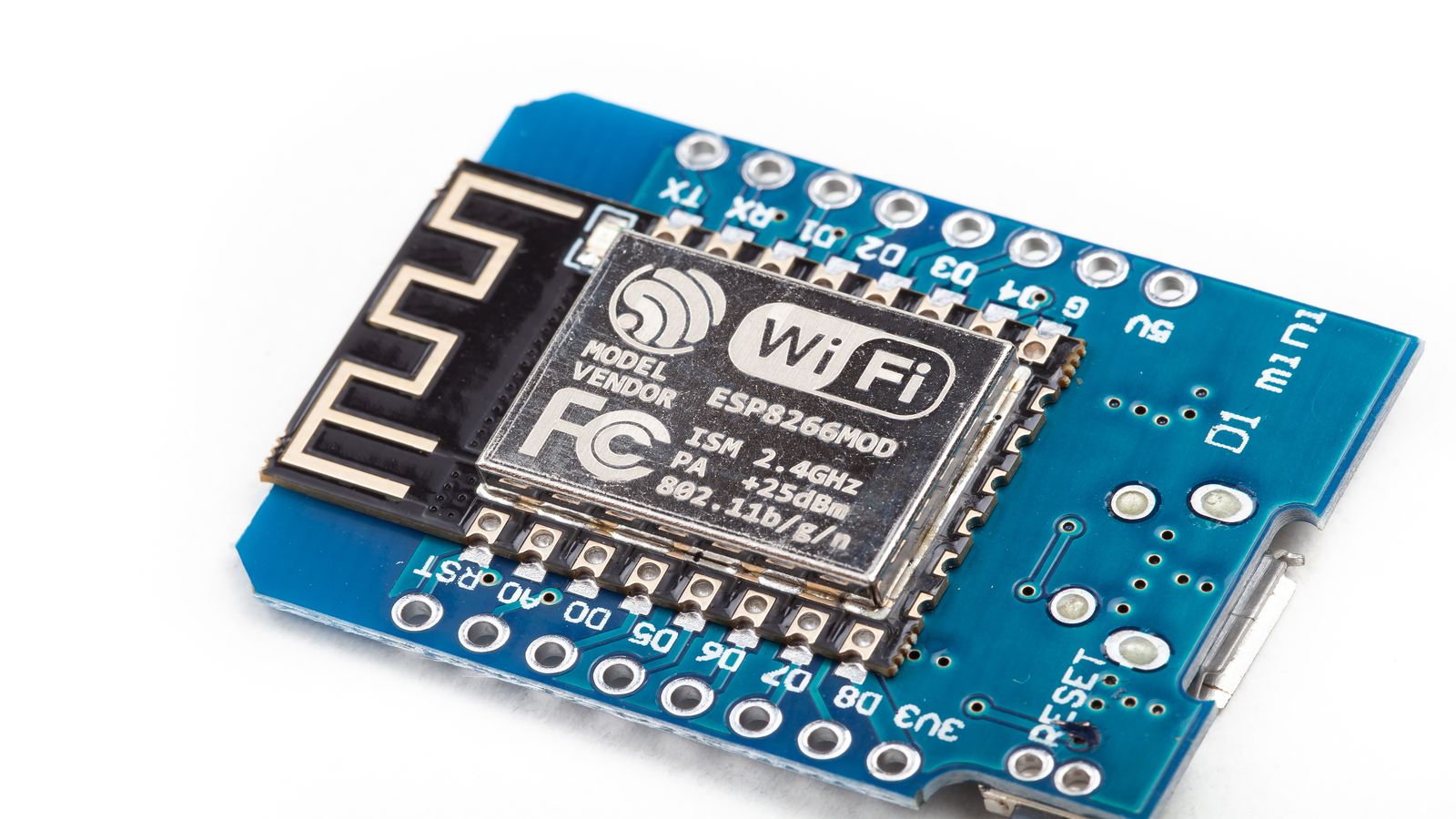
Get AP6210 Wi-Fi and Bluetooth working on Banana Pro under Debian 13 Trixie. Covers firmware, WPA3, Bluetooth pairing, and keeping the system secure in 2026.

Install Debian 13 Trixie on the original Banana Pi (Allwinner A20), verify the image, perform first-boot checks, and work around 2026 driver and kernel quirks.

Learn how to turn a Banana Pi into an encrypted cold-storage vault for private keys and sensitive files using LUKS encryption and proper backup strategies.