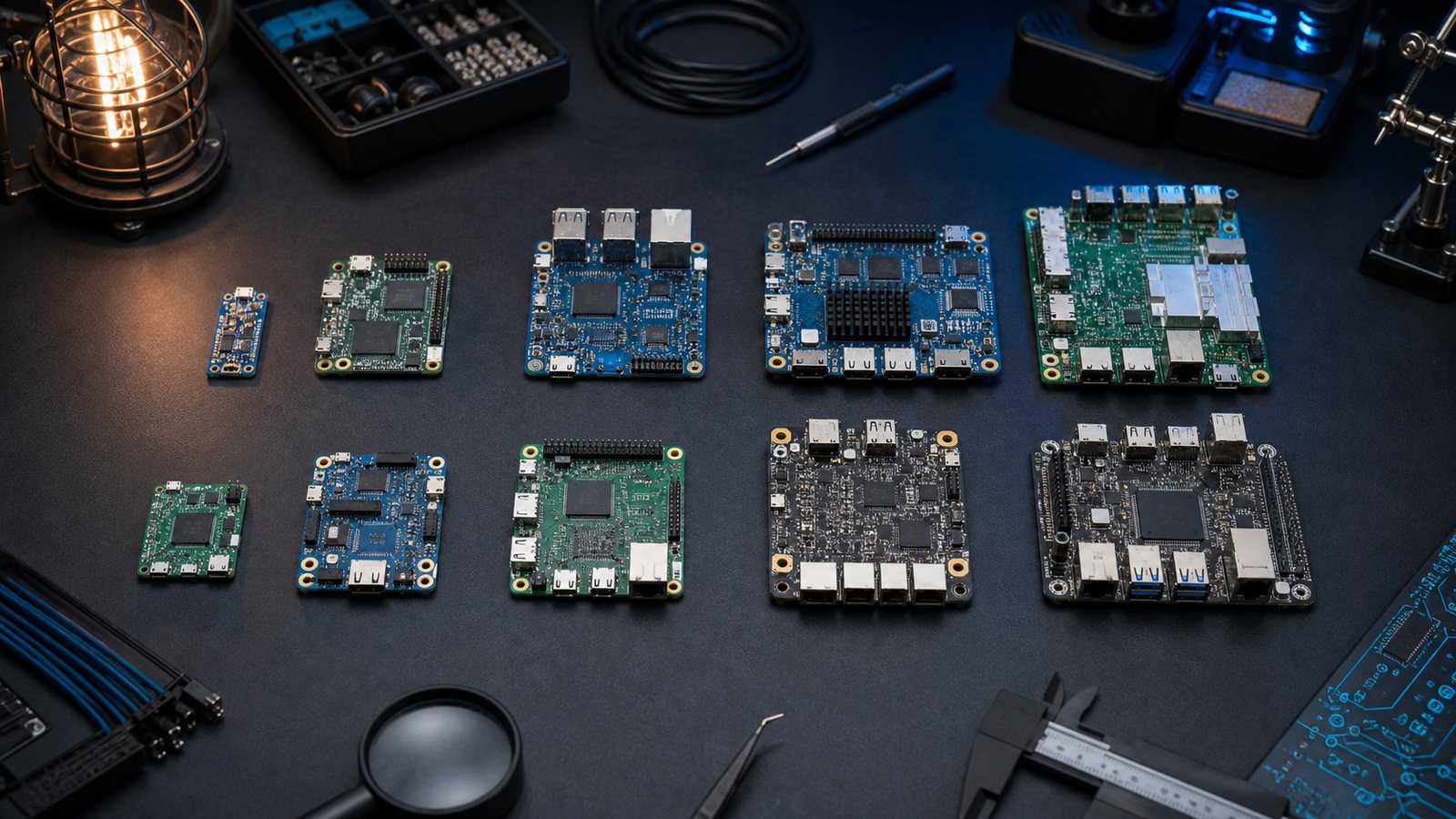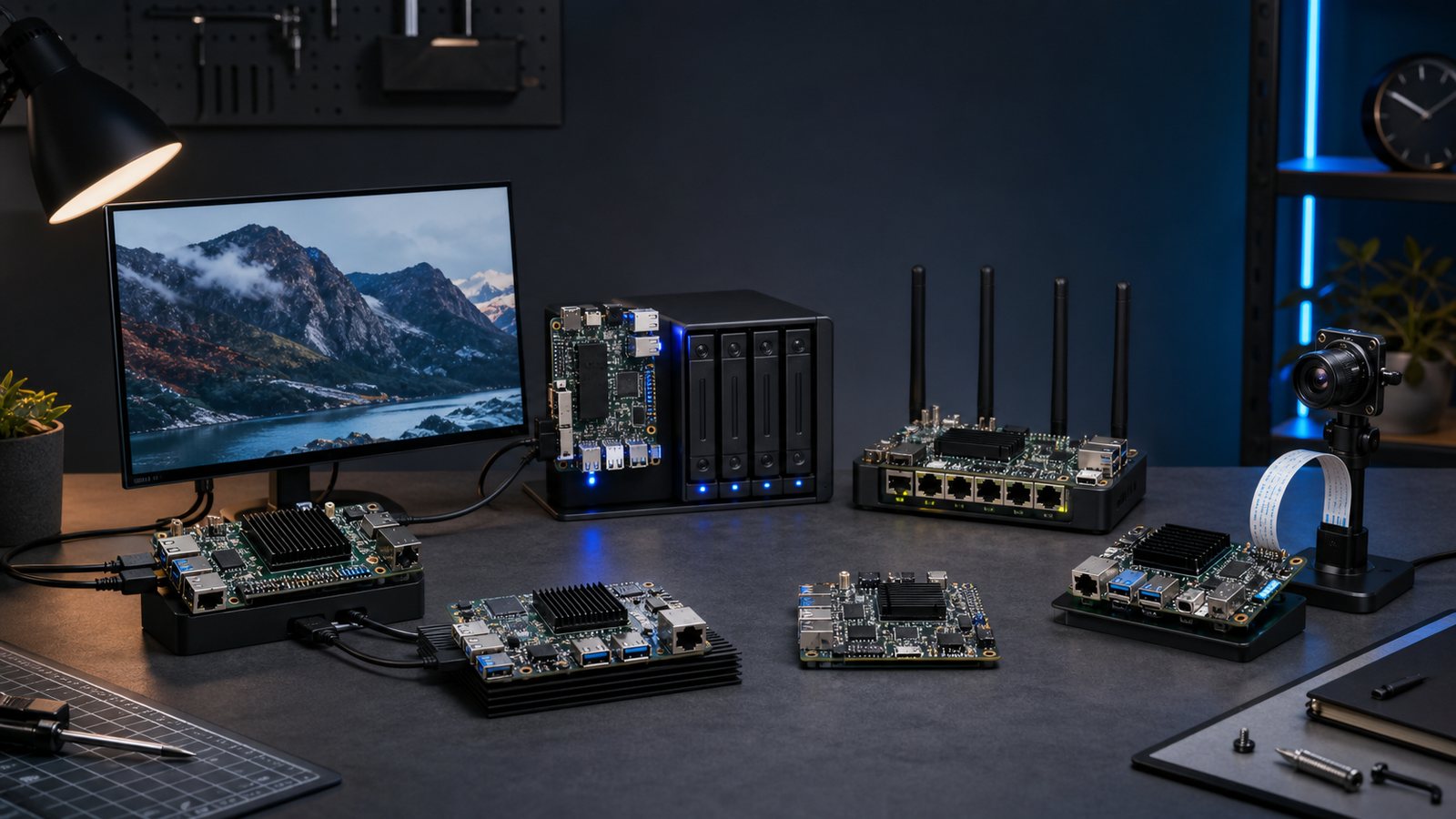
Verdict: Raspberry Pi 5 remains the best learning and general-purpose choice. Banana Pi BPI-R4 is the networking pick, Jetson Orin Nano Super is the AI pick, and a small x86 board is the least troublesome Docker host when your images are amd64-only. There is no honest single winner across those jobs.
Quick picks
- Raspberry Pi 5: Learning and general use. The broadest documentation, accessory and operating-system safety net.
- Banana Pi BPI-M5 Pro: ARM server. Strong compute, eMMC and Armbian without paying for interfaces a headless server will not use.
- Banana Pi BPI-R4: OpenWrt router. Filogic networking, SFP expansion and NVMe make this a router platform rather than a desktop board in disguise.
- NVIDIA Jetson Orin Nano Super: AI development. JetPack, CUDA and camera tooling form the real product.
- Radxa X4: x86 services. Compatibility with ordinary amd64 packages can save more time than extra ARM cores.
Comparison table
| Board | Best role | Why it makes the list |
|---|---|---|
| Raspberry Pi 5 | Learning and general use | The broadest documentation, accessory and operating-system safety net. |
| Banana Pi BPI-M5 Pro | ARM server | Strong compute, eMMC and Armbian without paying for interfaces a headless server will not use. |
| Banana Pi BPI-R4 | OpenWrt router | Filogic networking, SFP expansion and NVMe make this a router platform rather than a desktop board in disguise. |
| NVIDIA Jetson Orin Nano Super | AI development | JetPack, CUDA and camera tooling form the real product. |
| Radxa X4 | x86 services | Compatibility with ordinary amd64 packages can save more time than extra ARM cores. |
| OpenWrt One | Supported open router | Designed with the OpenWrt project and deliberately recovery-friendly. |
| BeagleBone AI-64 | Industrial I/O | Its I/O and deterministic control heritage matter more than desktop benchmarks. |
| ODROID-H5+ | Storage server | x86, SATA-oriented expansion and mature server distributions suit a compact NAS. |
| Orange Pi 5 Max | High performance ARM | Plenty of CPU and RAM, provided the chosen image supports every required peripheral. |
| LattePanda Sigma | High-end x86 edge build | A much larger power and cooling class, but useful for demanding x86 edge applications. |
How we chose
This guide is based on published hardware specifications, official operating-system documentation, current support pages and maintainers' release information. It is not based on invented lab tests or claims that every board has been used for months. We weight the complete system: a fast processor cannot rescue an unsupported boot image, a poor power supply, a throttling enclosure or storage hanging from an unreliable bridge.
Community discussions also reveal a useful pattern. Owners rarely regret buying slightly less CPU. They regret discovering that the required container has no ARM image, that a radio dongle sits beside a noisy USB 3 cable, or that a board exposes PCIe but no practical case can hold the adapter. Those recurring failure modes shape the recommendations here.
Software, boot and maintenance
Start by finding the exact board revision in the distribution's download or hardware-support page. Similar model names do not imply interchangeable images. Check whether Ethernet, Wi-Fi, video, NVMe and suspend work on the same kernel branch. Vendor images can provide early hardware support, while a mature Debian, Armbian, OpenWrt or appliance image usually offers a clearer update path.
Map the boot chain before installation. Record where the immutable first-stage loader lives, where U-Boot or UEFI lives, and which device contains the root filesystem. Keep a known-good microSD recovery image and a serial adapter. Test one cold boot and one restart after every bootloader change. A backup that depends on the broken system booting is not a recovery plan.
Storage, power and cooling
Prefer eMMC, NVMe or a properly powered SATA SSD for write-heavy services. MicroSD remains useful for installation and recovery, but databases, logs and container layers create frequent small writes. If microSD must be permanent, use endurance media, reduce logs and keep automatic backups. Our microSD endurance guide explains the warning signs.
Budget power for the board, storage, radios, fans and USB devices together. A supply can show the right voltage at idle and still sag during CPU boost or SSD start-up. Use the connector and rating the board maker specifies, avoid thin cables and inspect kernel logs after stress. The crash diagnostic checklist separates power, storage and thermal faults.
Modern high-end SoCs need a heatsink, and sustained workloads often need airflow. A large passive sink is quiet but only works if the enclosure can exchange air. A small fan can be effective but should be replaceable. Check throttling under the real workload before calling a build finished.
Accessories and build planning
Price the complete build on paper: board, correct supply, cooling, boot media, working storage adapter, enclosure, cables and any radio or PCIe module. Confirm physical clearances. M.2 keying, lane width and slot length matter, as do SFP module temperature and USB power limits. Buy storage after confirming the board's lane topology rather than assuming every M.2 socket runs at the same speed.
For an internet-facing service, plan updates, SSH keys, firewall defaults and a restore drill before deployment. See the SBC hardening guide. Separate experiments from household infrastructure when possible. The board that hosts a family service should be boring to recover.
Who should buy, and who should skip
Buy the recommended platform when its official or well-maintained community image supports every required interface and when you can obtain the proper power and cooling parts. Skip it if your project depends on a peripheral marked experimental, an amd64-only application on ARM, or a proprietary accelerator workflow that has not published support for your model.
Also skip an all-in-one build if one fault would take down routing, storage and automation together. Consolidation saves watts and boxes, but it enlarges the blast radius of updates and storage failures. Two modest systems can be easier to maintain than one heroic board covered in adapters.
Final checklist
- Confirm the exact board revision and current image.
- Check architecture support for every essential package or container.
- Draw the storage and PCIe path, including shared lanes.
- Use the maker's power recommendation and include peripherals in the budget.
- Add cooling appropriate to sustained load.
- Keep serial access, recovery media and tested backups.
- Recheck stock and listing identity immediately before buying.
Frequently asked questions
Is the fastest SBC automatically the best?
No. Software support, storage reliability and interfaces decide whether performance is usable. A slower board with a maintained image often finishes the project sooner.
How much memory is enough?
Four to eight gigabytes covers many headless services. More helps large container stacks, desktop browsers and local models, but unused RAM does not compensate for weak I/O.
Should I boot from microSD?
It is excellent for recovery and light read-mostly systems. Prefer eMMC, NVMe or SATA for databases and always-on write-heavy work.
Can one board run everything?
Technically, often. Operationally, consider whether a reboot or failed disk should also stop the router or home automation. Reliability is a system design choice.
Detailed recommendations
1. Raspberry Pi 5: Learning and general use
The broadest documentation, accessory and operating-system safety net. The deciding question is whether its supported software and physical interfaces match the finished build. Check the exact revision, current kernel and recovery method before committing accessories.
Buy it if: this role is the centre of the project and you accept its maintenance path. Skip it if: you are choosing it only for a larger headline number or assuming another board's tutorial applies unchanged.
2. Banana Pi BPI-M5 Pro: ARM server
Strong compute, eMMC and Armbian without paying for interfaces a headless server will not use. The deciding question is whether its supported software and physical interfaces match the finished build. Check the exact revision, current kernel and recovery method before committing accessories.
Buy it if: this role is the centre of the project and you accept its maintenance path. Skip it if: you are choosing it only for a larger headline number or assuming another board's tutorial applies unchanged.
3. Banana Pi BPI-R4: OpenWrt router
Filogic networking, SFP expansion and NVMe make this a router platform rather than a desktop board in disguise. The deciding question is whether its supported software and physical interfaces match the finished build. Check the exact revision, current kernel and recovery method before committing accessories.
Buy it if: this role is the centre of the project and you accept its maintenance path. Skip it if: you are choosing it only for a larger headline number or assuming another board's tutorial applies unchanged.
4. NVIDIA Jetson Orin Nano Super: AI development
JetPack, CUDA and camera tooling form the real product. The deciding question is whether its supported software and physical interfaces match the finished build. Check the exact revision, current kernel and recovery method before committing accessories.
Buy it if: this role is the centre of the project and you accept its maintenance path. Skip it if: you are choosing it only for a larger headline number or assuming another board's tutorial applies unchanged.
5. Radxa X4: x86 services
Compatibility with ordinary amd64 packages can save more time than extra ARM cores. The deciding question is whether its supported software and physical interfaces match the finished build. Check the exact revision, current kernel and recovery method before committing accessories.
Buy it if: this role is the centre of the project and you accept its maintenance path. Skip it if: you are choosing it only for a larger headline number or assuming another board's tutorial applies unchanged.
6. OpenWrt One: Supported open router
Designed with the OpenWrt project and deliberately recovery-friendly. The deciding question is whether its supported software and physical interfaces match the finished build. Check the exact revision, current kernel and recovery method before committing accessories.
Buy it if: this role is the centre of the project and you accept its maintenance path. Skip it if: you are choosing it only for a larger headline number or assuming another board's tutorial applies unchanged.
7. BeagleBone AI-64: Industrial I/O
Its I/O and deterministic control heritage matter more than desktop benchmarks. The deciding question is whether its supported software and physical interfaces match the finished build. Check the exact revision, current kernel and recovery method before committing accessories.
Buy it if: this role is the centre of the project and you accept its maintenance path. Skip it if: you are choosing it only for a larger headline number or assuming another board's tutorial applies unchanged.
8. ODROID-H5+: Storage server
x86, SATA-oriented expansion and mature server distributions suit a compact NAS. The deciding question is whether its supported software and physical interfaces match the finished build. Check the exact revision, current kernel and recovery method before committing accessories.
Buy it if: this role is the centre of the project and you accept its maintenance path. Skip it if: you are choosing it only for a larger headline number or assuming another board's tutorial applies unchanged.
9. Orange Pi 5 Max: High performance ARM
Plenty of CPU and RAM, provided the chosen image supports every required peripheral. The deciding question is whether its supported software and physical interfaces match the finished build. Check the exact revision, current kernel and recovery method before committing accessories.
Buy it if: this role is the centre of the project and you accept its maintenance path. Skip it if: you are choosing it only for a larger headline number or assuming another board's tutorial applies unchanged.
10. LattePanda Sigma: High-end x86 edge build
A much larger power and cooling class, but useful for demanding x86 edge applications. The deciding question is whether its supported software and physical interfaces match the finished build. Check the exact revision, current kernel and recovery method before committing accessories.
Buy it if: this role is the centre of the project and you accept its maintenance path. Skip it if: you are choosing it only for a larger headline number or assuming another board's tutorial applies unchanged.
Chooser matrix
| If you prioritise | Choose | Verify first |
|---|---|---|
| Lowest setup risk | Raspberry Pi 5 | Official image and accessories |
| Specialised interfaces | Banana Pi BPI-M5 Pro | Kernel support and lane sharing |
| Experimentation | LattePanda Sigma | Serial recovery and community activity |
Bottom line
Raspberry Pi 5 remains the best learning and general-purpose choice. Banana Pi BPI-R4 is the networking pick, Jetson Orin Nano Super is the AI pick, and a small x86 board is the least troublesome Docker host when your images are amd64-only. There is no honest single winner across those jobs.
Specifications and support can change. Recheck the board's official documentation and the chosen distribution immediately before ordering or upgrading.