Banana Pi
Which Banana Pi Should You Buy in 2026? Model Selector by Project
Start with the project, then choose the Banana Pi whose interfaces and software match it.
Articles and tutorials in the Banana Pi category.
Start with the project, then choose the Banana Pi whose interfaces and software match it.
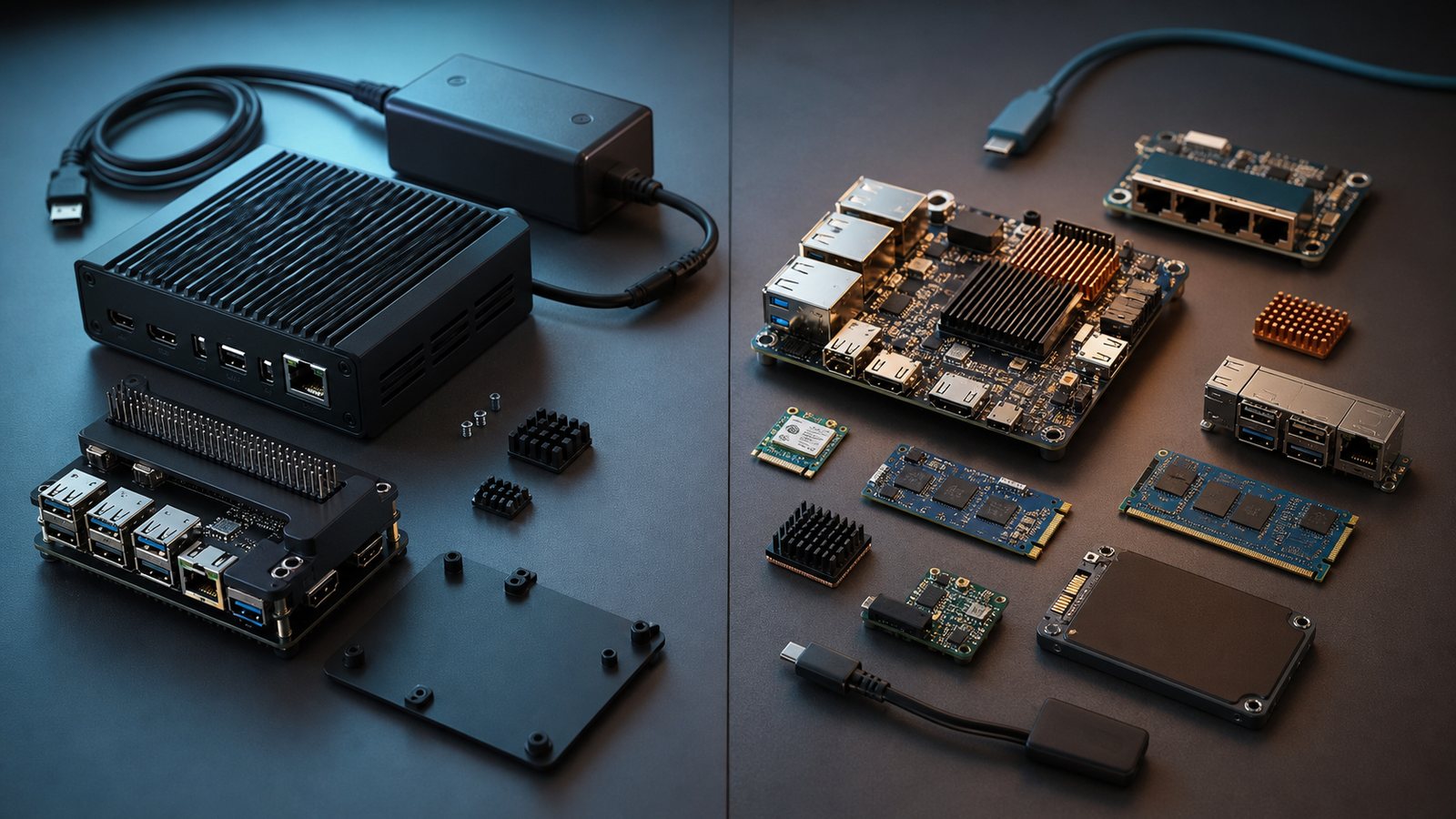
Raspberry Pi wins consistency while Banana Pi often wins specialised interfaces.
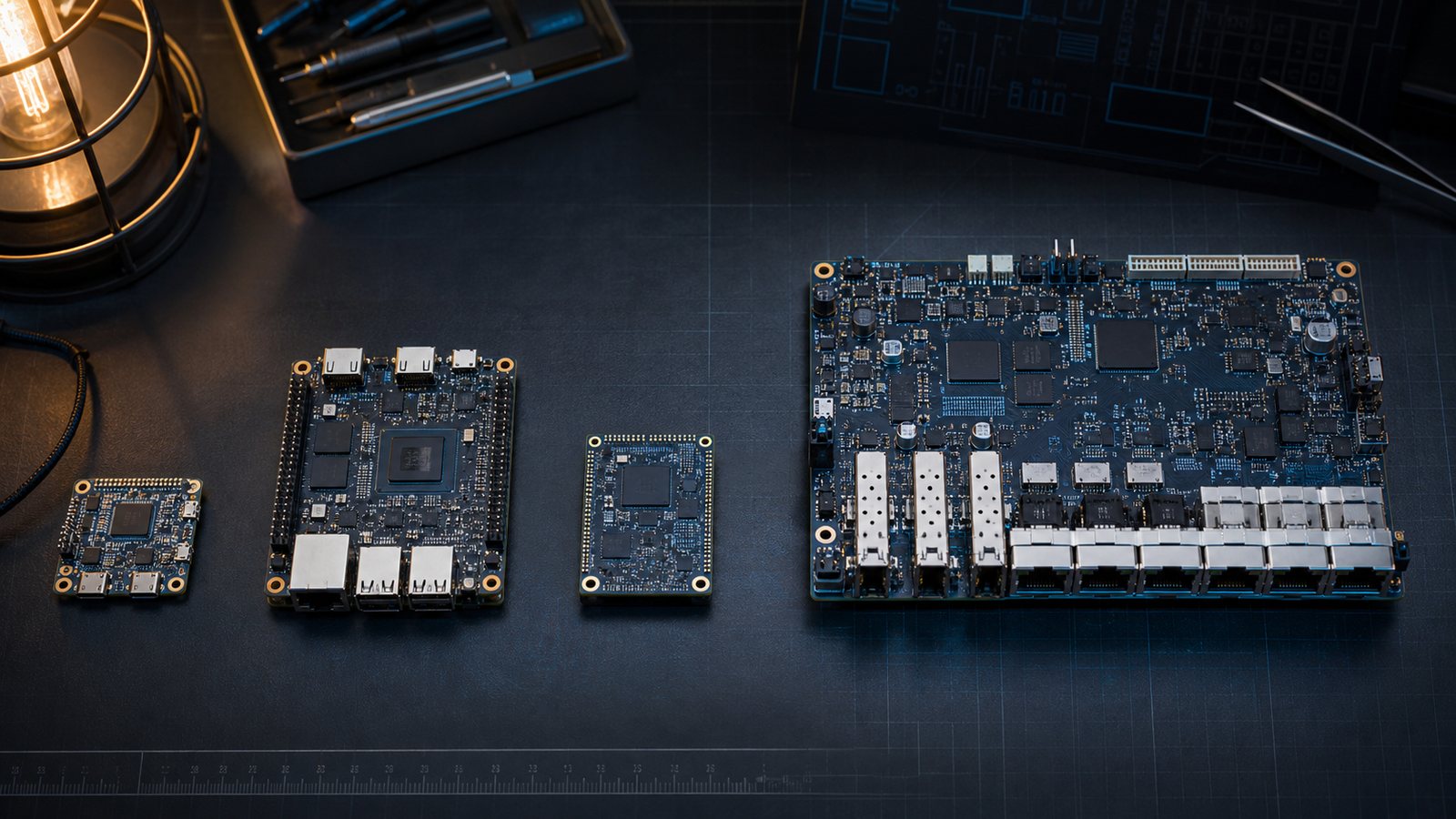
Pick a Banana Pi by project and software image support, not model number.
Compare BPI-R4 Pro, BPI-R4, and OpenWrt One for 2.5G/10G routing, NVMe, and Wi-Fi expansion. Find the right platform for your 2026 network build.
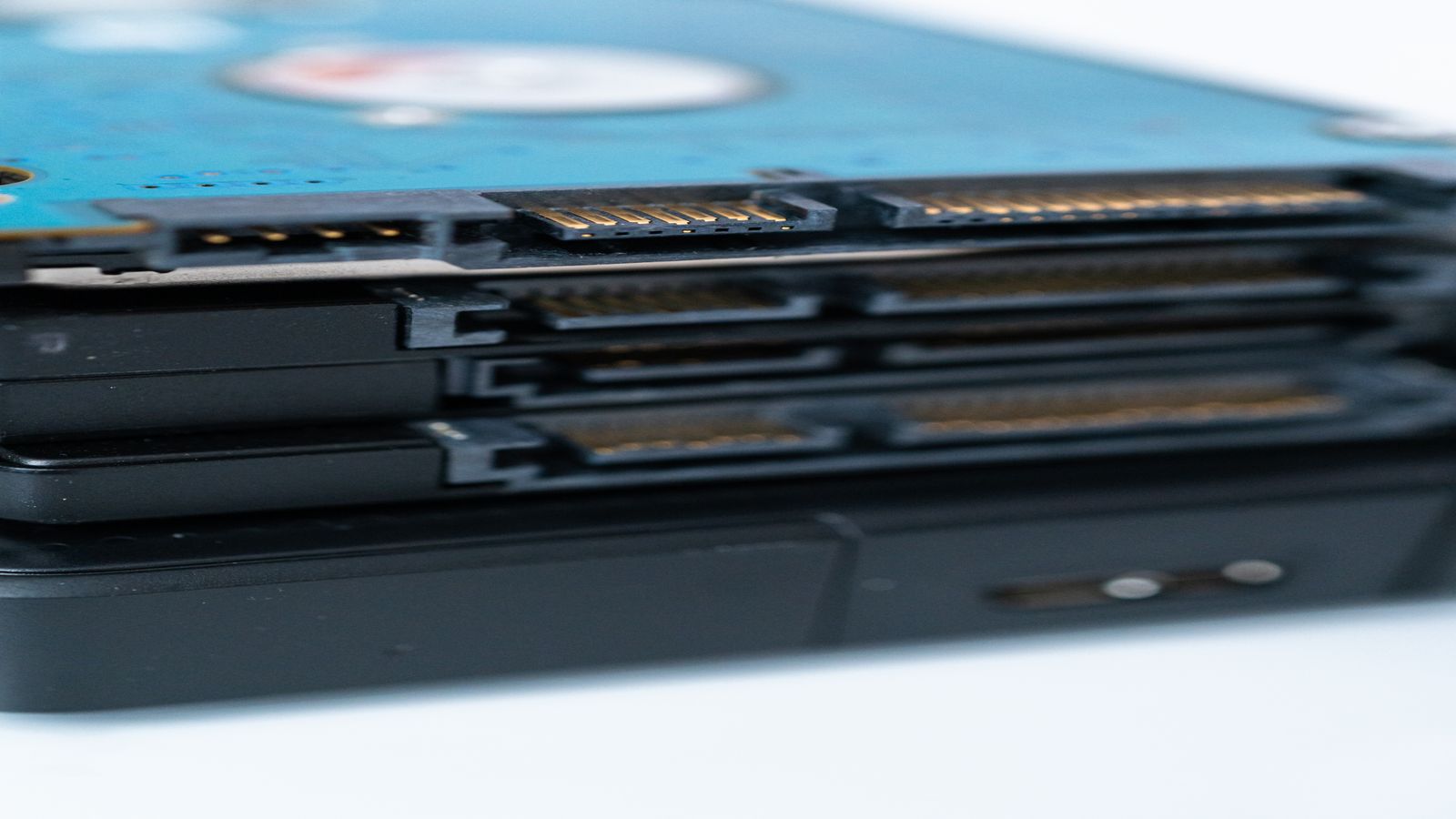
Configure the optimal BPI-R4 boot chain: NAND bootloader, NVMe root, SD fallback. Set up A/B partitions for safer upgrades and brick recovery.
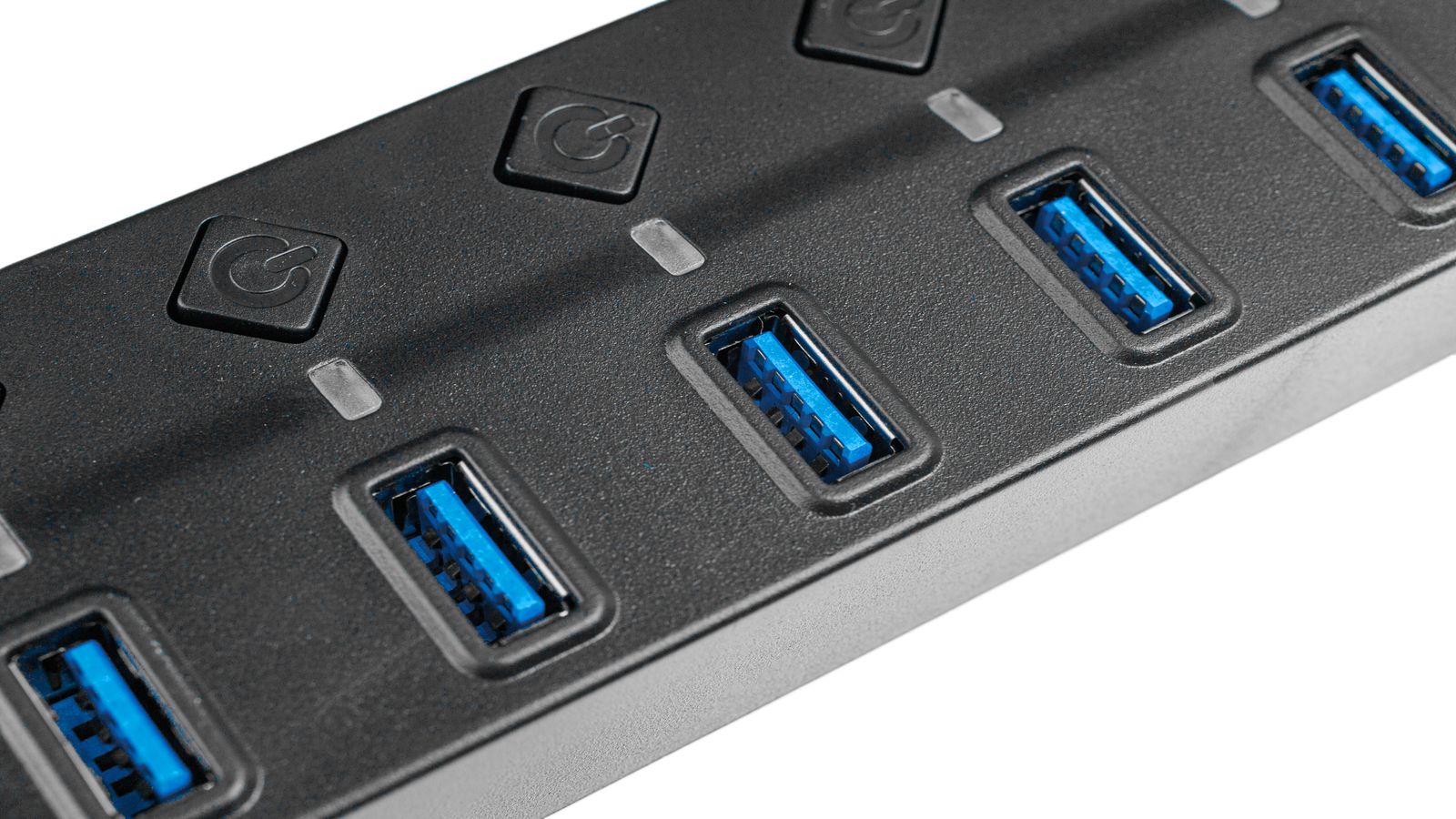
Set up BPI-R4 with OpenWrt, NVMe storage, and 10GbE SFP+. Covers flashing, NVMe detection, SFP compatibility, and validating real throughput.
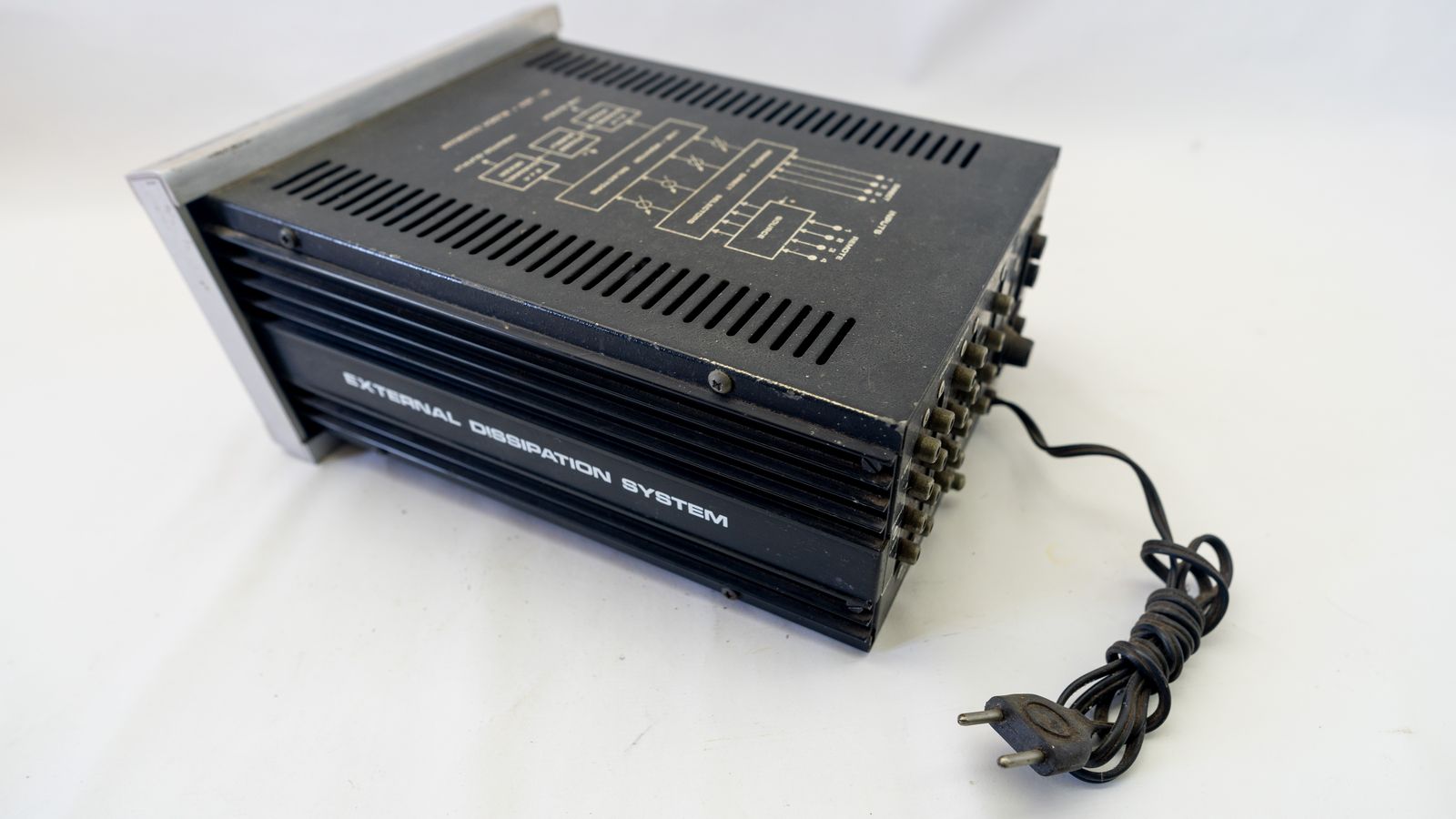
Move your Banana Pi root filesystem from SD to SATA. Keep SD for boot, use SATA for rootfs. Covers partitioning, fstab, boot config, and rollback if it fails.
Choose the right Armbian image for Banana Pi Pro in 2026. Understand community support tiers, flash safely, and know your options when the build breaks.
Run Ubuntu 26.04 LTS on Banana Pi-class ARM boards. Know what breaks, how to recover from kernel panics and driver regressions, and which workarounds actually work.

Install Debian 13 Trixie on the original Banana Pi (Allwinner A20), verify the image, perform first-boot checks, and work around 2026 driver and kernel quirks.